Reverse Video Search vs Reverse Image Search: What's the Difference?
You have a mystery clip on your phone. Maybe it is a viral video with no credit, a suspicious news clip, or footage that looks like your own content re-uploaded by someone else. You know some kind of visual search can help you trace it, but which one: reverse video search or reverse image search?
The two sound almost identical, and many people use the terms interchangeably. They are not the same thing. They take different inputs, work in different ways, and produce very different results depending on what you are searching for.
In this guide, you will learn exactly how each technology works, see a side-by-side comparison, and know precisely which one to use for your situation. By the end, choosing between them will take you two seconds.
The Core Difference
Here is the difference in one paragraph.
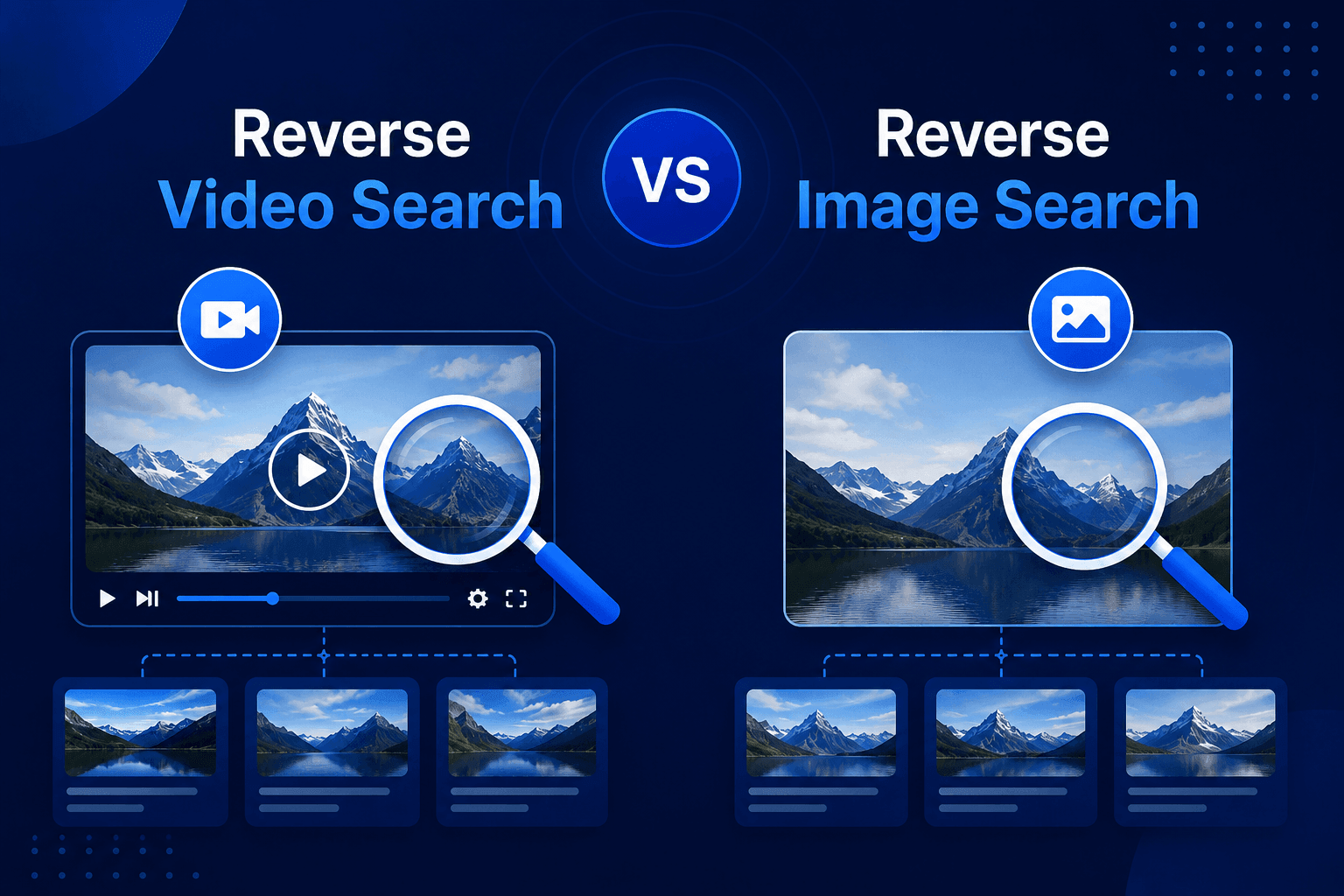
Reverse image search takes a single static picture as input and finds visually similar or identical images across the web.
Reverse video search takes a video clip as input, automatically extracts multiple frames from it, creates a visual fingerprint for each one, and matches those fingerprints against indexed content to find where the video appears online.
In simple terms, reverse image search matches one picture against billions of pictures. Reverse video search is like running dozens of image searches at once across the timeline of a clip, then combining the results to pinpoint the source. That multi-frame approach is what makes it far more reliable for anything that moves.
What Is Reverse Image Search?
Reverse image search is the older and more established of the two technologies. Google introduced it back in 2011, and today tools like Google Lens, Bing Visual Search, Yandex Images, and TinEye all offer it for free.
The process is simple. You upload a photo or paste an image URL, and the search engine analyzes its visual elements: colors, shapes, edges, textures, and patterns. It converts those elements into a compact digital signature, then compares that signature against its index of billions of images. Within seconds, you see where that picture (or ones very similar to it) appears online.
Common uses for reverse image search
- Finding the original source of a photo
- Checking if your photography has been used without permission
- Identifying products, plants, landmarks, or artwork
- Verifying whether a profile picture belongs to a real person (catfish detection)
- Finding higher resolution versions of an image
Reverse image search is excellent at what it does. The catch is that it was built for static pictures, and that becomes a real limitation the moment your subject is a video.
What Is Reverse Video Search?
Reverse video search applies the same "search by visual content" idea to moving footage. Instead of one picture, the input is a video file or a video URL. If you want the full technical breakdown, we cover it step by step in our guide on what reverse video search is and how it works. Here is the short version.
A video is not a single visual item. Even a 20-second clip contains hundreds of frames, plus motion, scene changes, and audio. A reverse video search tool handles this in four stages:
- Keyframe extraction. The tool identifies the most distinctive frames in the clip, such as scene changes, faces, on-screen text, or unique objects.
- Visual fingerprinting. Each keyframe is converted into a digital fingerprint based on its structure, edges, and color layout.
- Matching. Those fingerprints are compared against indexed images, thumbnails, and video previews across the web using content-based retrieval.
- Aggregation. Results from all frames are combined and ranked, so one weak frame does not ruin the search. The most frequent and earliest matches point to the likely original source.
Common uses for reverse video search
- Tracing a viral clip back to its first upload
- Finding the original creator of a video to give proper credit
- Detecting stolen or re-uploaded copies of your own videos
- Locating the full-length version of a short clip
- Fact-checking video content and spotting recycled or miscaptioned footage
Reverse Video Search vs Reverse Image Search: Side by Side Comparison
Here is a complete comparison table covering every factor that matters.
| Factor | Reverse Image Search | Reverse Video Search |
|---|---|---|
| Input type | A single photo, screenshot, or image URL | A video file or video URL |
| What it analyzes | One static frame: colors, shapes, edges, patterns | Multiple keyframes, visual fingerprints, and frame sequences |
| Underlying technology | Image hashing and visual feature matching | Keyframe extraction plus content-based video retrieval (CBVR) |
| Best for | Photos, artwork, products, profile pictures, single screenshots | Viral clips, reposted videos, stolen video content, finding full versions |
| Handles edited content | Weak: crops, filters, and mirroring often break the match | Stronger: multiple frames give many chances to match despite edits |
| Effort required for videos | Manual: you must screenshot frames one at a time | Automatic: upload the clip and the tool extracts frames for you |
| Match accuracy for video content | Hit or miss, depends on picking the one right frame | Higher, because dozens of frames are searched and cross-referenced |
| Context in results | Pages containing the matching image | Video sources, upload dates, platforms, and reposted versions |
| Popular tools | Google Lens, Bing Visual Search, Yandex Images, TinEye | Dedicated tools like Reversevideosearch.pro |
| Speed | Instant for one image | A few seconds, since multiple frames are processed |
| Cost | Free | Free with dedicated tools, no registration needed |
| Maturity | Established since 2011 | Newer technology, improving fast with machine learning |
The 5 Key Differences Explained
The table gives you the overview. These five differences are the ones that actually change your results in practice.
1. One Frame vs Many Frames
This is the fundamental difference. A reverse image search gives you exactly one shot at a match. If the frame you picked happens to be generic (a plain sky, a blurry close-up, a dark scene), the search fails, even if the video exists all over the internet.
A reverse video search analyzes the whole clip and pulls out its most distinctive moments automatically. A tool working with 30 keyframes from a 10-second clip has 30 chances to find a match instead of one. That redundancy is why video-first tools consistently outperform the screenshot method for video content.
2. Resistance to Edits and Re-uploads
Videos rarely travel the internet untouched. Reposted clips get cropped, compressed, mirrored, captioned, watermarked, and filtered. Each of those changes alters pixels, and pixel changes are exactly what break single-image matching.
Multi-frame fingerprinting is more resilient. When a clip is re-encoded or has subtitles burned in, individual pixels change, but the structural pattern across a sequence of frames stays similar enough to match. This is why reverse video search can often catch a stolen video that a screenshot search misses completely.
3. Manual Work vs Automation
To reverse search a video using image tools, you have to do the frame extraction yourself: pause the clip, screenshot a distinctive moment, upload it to Google Lens, check the results, then repeat with another frame if it fails. Then repeat again on Bing, Yandex, and TinEye if you want thorough coverage.
A dedicated video search tool automates that entire workflow. You upload the clip or paste the link once, and the frame selection, fingerprinting, and multi-source matching all happen behind the scenes.
4. The Kind of Results You Get
Reverse image search returns pages that contain your image. That is useful, but for video investigation you usually need more: where the video was first posted, which platforms it spread to, whether longer versions exist, and which upload came earliest.
Reverse video search results are built around exactly that context. Matches typically link to the video pages themselves across YouTube, TikTok, Instagram, Facebook, Reddit, and the wider web, which makes tracing the original source much faster.
5. What Each Was Designed For
Neither tool is "better" in an absolute sense. They were simply designed for different content. Reverse image search was built for the world of static photos, and it remains the best choice there. Reverse video search was built because video needed its own approach: a moving clip is not just a stack of pictures, and treating it like one leaves accuracy on the table.
When Should You Use Reverse Image Search?
Choose reverse image search when:
- Your source material is a picture, not a video. Photos, memes, artwork, screenshots of documents, and product shots belong here.
- You only have a single screenshot of a video and nothing else. If you cannot get the actual clip or its URL, a frame search is your entry point. You can even use it to locate a video version first, then run a proper video search on what you find.
- You are identifying objects, places, or people. Google Lens is very good at recognizing landmarks, products, and plants from one image.
- You need to verify a profile photo. Checking whether a dating profile or social account uses stolen pictures is a classic image search job.
When Should You Use Reverse Video Search?
Choose reverse video search when:
- You have the actual video file or its link. This is the deciding factor. If the clip itself is in your hands, searching the whole clip beats searching one frame every time.
- You need to find the original source of a viral clip. Multi-frame matching plus upload date comparison is the reliable way to identify the first appearance of footage.
- You are protecting your own video content. Creators and brands use it to detect re-uploads and unauthorized copies across platforms, even when thieves change the thumbnail or crop the video.
- You are fact-checking footage. Journalists and researchers trace clips to their earliest version to catch old videos being recycled with false captions, and to flag possible deepfakes that have no prior online history.
- You want the full version of a short clip. A 15-second excerpt can lead you to the complete original video.
If that describes your situation, you can run a free search right now with our reverse video search tool. Upload a clip or paste a URL from YouTube, TikTok, Instagram, or any other platform, and it scans for matches across the web in seconds. No registration is required, and uploaded videos are deleted after your session.
Can You Use Both Together? (The Smart Workflow)
Yes, and experienced fact-checkers and content investigators do exactly that. The two methods are complementary, not competing. Here is a practical workflow:
- Start with what you have. Got a video file or link? Run a reverse video search first. Got only a screenshot? Start with an image search.
- Use image search to fill gaps. If a specific moment in the video matters (a face, a sign, a product), screenshot that exact frame and run it through Google Lens or Yandex for object-level identification.
- Use video search for the big picture. Let the video tool map out every platform where the clip appears and compare upload dates to find the earliest version.
- Finish with context checks. Once you find a likely source, verify the account, the date, and the description. Visual matching finds the footage; human judgment confirms the story.
This combined approach covers the weaknesses of each method and gives you the most complete picture of where a piece of visual content came from.
Limitations to Keep in Mind
Both technologies share a few honest limits worth knowing:
- Only indexed content can be found. Private videos, region-locked posts, and clips uploaded minutes ago may not appear in any search yet.
- Extreme edits can defeat matching. Heavy color grading, aggressive cropping, or deliberate manipulation by bad actors can break both image and video matches. Trying a different frame or a cleaner copy of the clip often solves this.
- Original AI-generated content returns nothing. If a video was just created and never published before, there is no earlier source to find. In verification work, that empty result is itself a useful signal.
Frequently Asked Questions
Is reverse video search just reverse image search with extra steps?
Not quite. It builds on the same visual matching principles, but adds keyframe extraction, multi-frame fingerprinting, and result aggregation across the timeline of a clip. Those additions are what make it reliable for edited and reposted videos where a single-image search fails.
Which one is more accurate for finding a video's source?
Reverse video search, in almost every case where you have the actual clip. Searching dozens of frames and cross-referencing the matches is simply more reliable than betting everything on one screenshot.
Can Google do a reverse video search?
Not directly. Google Lens and Google Images only accept still images, so with Google you are limited to the manual screenshot method. Dedicated tools accept full video uploads and URLs, and handle the framework automatically.
Is reverse video search free?
Yes. Our tool at reversevideosearch.pro is free to use with no account required, and your uploaded videos are removed after the session for privacy.
Should I use a screenshot or upload the whole video?
If you have the video, upload the video. More frames mean more matching opportunities and better accuracy. Use a screenshot only when the clip itself is out of reach.
Final Thoughts
Reverse image search and reverse video search are siblings, not twins. One matches a single still picture; the other fingerprints an entire clip, frame by frame, and pieces together where that footage lives online. For photos, image search remains the quick and reliable choice. For anything that moves, a dedicated video search wins on accuracy, effort, and the quality of results.
The rule of thumb is simple: match the tool to your content. Picture in hand, search by image. Video in hand, search by video.
Want to see the difference for yourself? Grab any clip and run it through our free Reverse Video Search tool, then compare it with a single-screenshot search. The gap in results speaks for itself.